
ViaCAD 17 2D/3D + Tips, Tutorials & Techniques
ViaCAD 2D/3D and the 400-tip eBook to learn it fast.
$329.99Worth $329.98
View●ViaCAD® 17 & SharkCAD® 17 are here. Windows 11 and macOS Tahoe, Intel and Apple Silicon.

Try “SharkCAD Pro”, “upgrade” or “PowerPack”.

ViaCAD 17 Windows
ViaCAD 17 2D/3D for Windows
Affordable 2D/3D CAD that is powerful and easy to use.
Overview
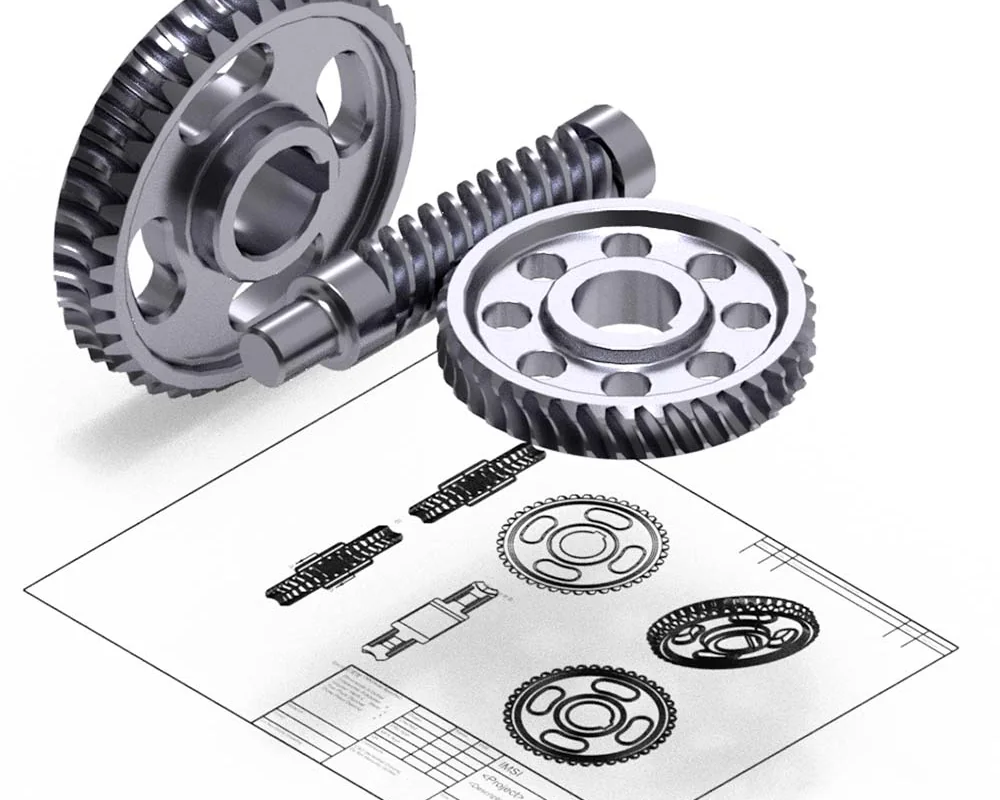
The power of 3D design has never been easier. ViaCAD 2D/3D is built for beginning to intermediate users — hobbyists, inventors, classrooms and 3D-printing fans — with a price-to-performance ratio that is hard to beat.
Made for
What this edition adds
The Delete Duplicates tool detects and removes duplicate polygon geometry for cleaner models.
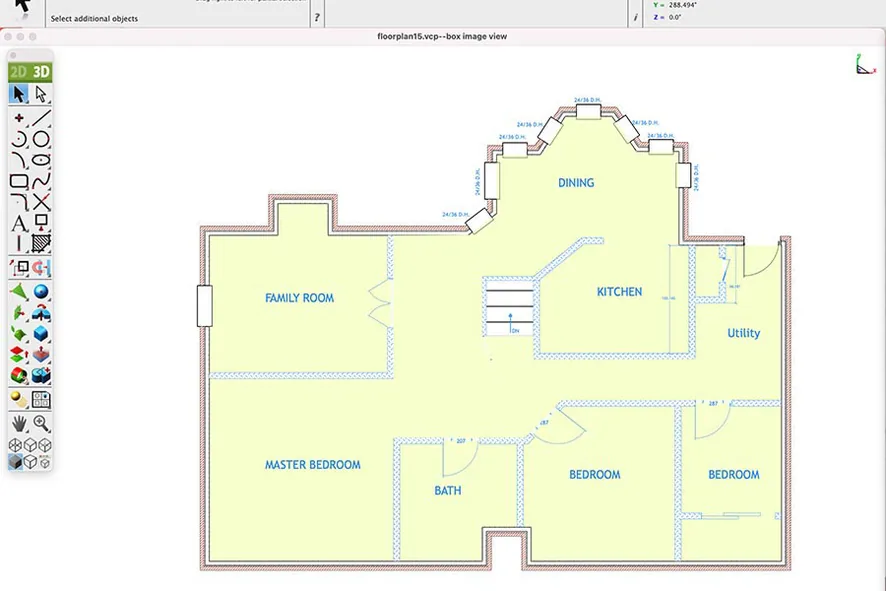
Converts 2D architectural drawings into 3D models.
Tools for designing pitched, flat, or complex roof structures.
Creates structural slabs with thickness and material properties.
Robust engine for precise solid modeling and Boolean operations.
Primitives (cubes, cylinders, spheres) for foundational 3D modeling.
Tools for creating simple surfaces (extrude, revolve, sweep).
Combine or subtract mesh objects with Boolean operations.
Adjust individual faces of solids or surfaces.
Intuitive drag-to-edit tool for modifying 3D shapes.
Hollow out solids (shelling) or add smooth transitions (blending).
Toggle visibility of specific faces on solids/meshes.
New in version 17
Concept renderings from plain-language prompts, over 2D or 3D, geometry untouched.
770,000+ ANSI, ISO and DIN parts, searched in plain words.
Sweep ordered closed profiles along a centreline for pipes, rails and housings.
Rounded rectangle, N-sided and coil profiles that stay associative to the path.
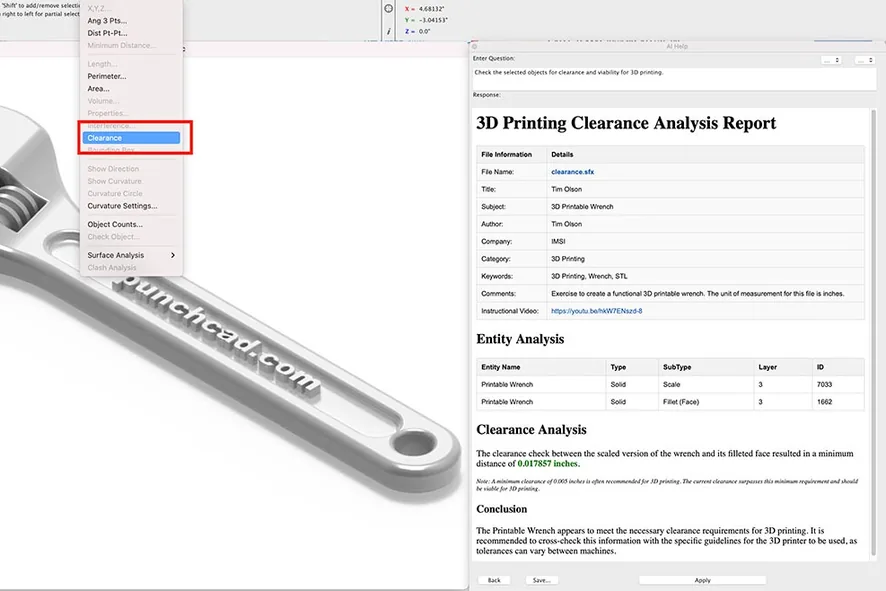
Notes, description, function, materials and references on every part — and Copilot reads them.
Reference big assemblies at up to 10× less memory; attach a whole folder of parts.
6 carbon-fibre textures, 8 woods and 6 studio backgrounds.
Scalable SVG icons and a reworked light and dark mode.
File formats
System requirements
| OS | Windows 7, 8, 10 or 11, 64-bit |
|---|---|
| Processor | Pentium IV / Athlon64-class or newer |
| Memory | 8 GB (16 GB recommended) |
| Disk | 3 GB free (SSD recommended) |
| Graphics | OpenGL / DirectX 9, 256 MB |
| Internet | For activation, updates and term licences |
| OS | macOS 11 Big Sur to macOS 26 Tahoe |
|---|---|
| Processor | Intel or Apple Silicon (M1 and newer) |
| Memory | 8 GB (16 GB recommended) |
| Disk | 4 GB free (SSD recommended) |
| Input | Wheel mouse or 3Dconnexion SpaceMouse |
| Internet | For activation, updates and term licences |
Licensing
Questions
Goes well with
ViaCAD 2D/3D and the 400-tip eBook to learn it fast.
$329.99Worth $329.98
View


